

Google Edge Gallery App Features: If you want to make your smartphone super smart, then download AI in the phone with the help of Google’s new Edge Gallery app. After this, you will be able to use AI on the phone even without internet or in flight mode. The biggest advantage is that this AI model will work on the phone’s memory. In such a situation, your conversation with AI will not go to Google’s servers. Due to which your privacy will be completely maintained.
After this, Google’s AI model will work locally on your phone. This means that even if you are in an area where there is no signal or you may not have a SIM in your phone, your phone will keep answering all your questions like a smart assistant. Google’s Edge Gallery app will download AI directly into your phone’s memory, so that not only will you be able to save data but your privacy will also be more secure than before. This is because whatever you ask this AI model, that information will remain on your phone and the AI model will also give the answer without using the internet.
What is Google Edge Gallery app?
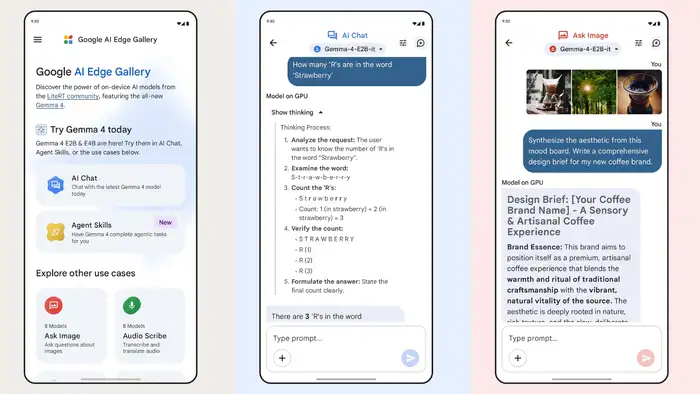
Edge Gallery is a new app from Google, which can download AI on your phone. In such a situation, even if you do not have internet or you are in flight mode, you will be able to use AI easily. Apart from this, whatever questions and answers you ask with AI through this app, that information does not go to Google’s servers on the internet. With its help, you will be able to use AI without spending network and data. In such a situation, this app can make your phone smarter in an inbuilt way.
What can be done through Google Edge Gallery app?
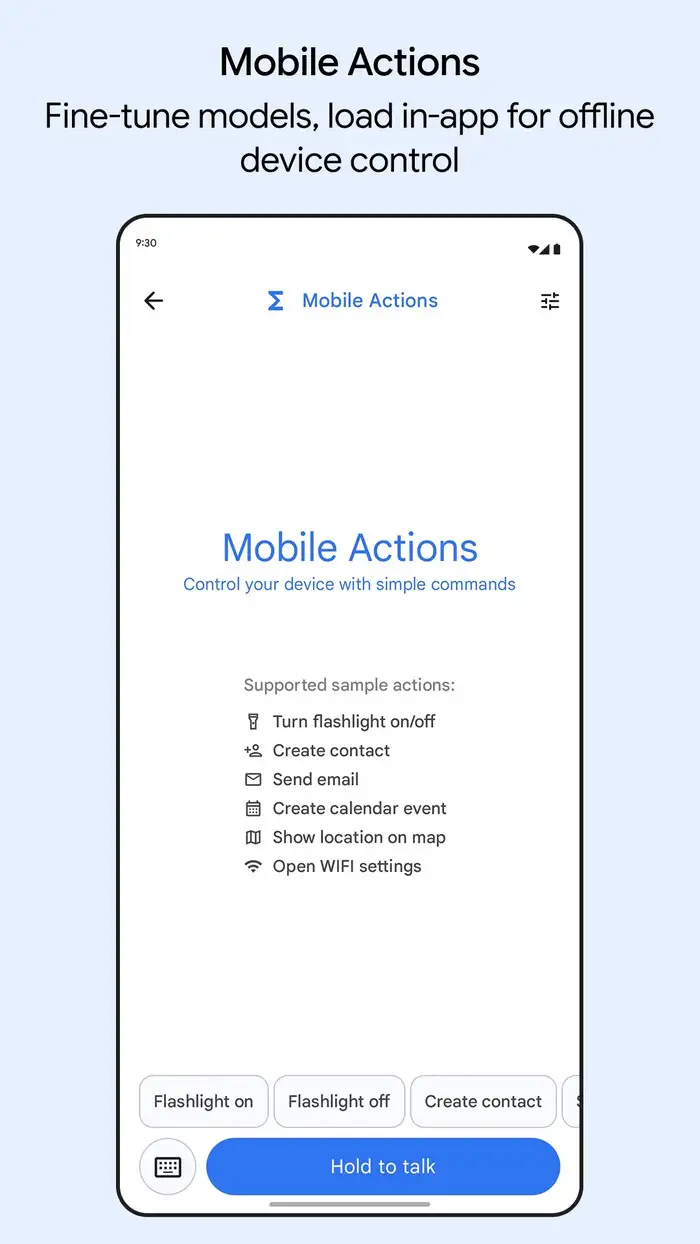
If you download the Google Edge Gallery app on your phone, you can
- You can ask questions to AI, get advice or get information on any topic even without internet. The special thing is that you also get a thinking mode in it. Through this you will be able to understand how AI reached the answer.
- This app can also do coding without internet data. With this you can create the entire game or website structure offline.
- A special Ask Image feature is available in this app. In this, you can show any photo from your phone to AI and get information about it even while being offline.
- There is a feature on this app called Audio Scribe. You can use it in meetings or lectures. It can listen to spoken words, transcribe and translate them even without internet.
- If you have a large document, you can easily get a short summary of it with its help. This work will be done completely using your phone’s memory.
How to setup Edge Gallery app on phone?
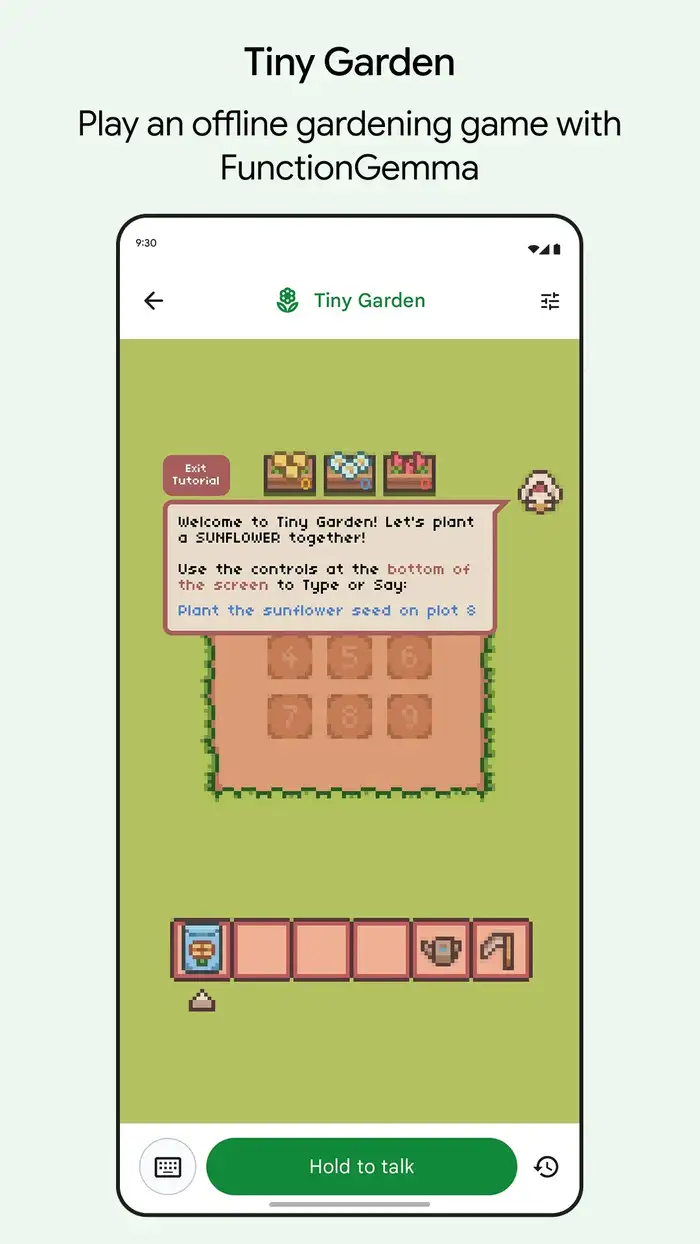
It is very easy to set up the Google Edge Gallery app on the phone. For this you just have to go to Play Store or App Store and then:
- Search for Google Edge Gallery.
- After this install the app.
- After installation of the app, click on the AI Chat option at the top.
- Now download the first model named Gemma-4-E2B-it.
- This will be a model of approximately 2.54 GB, which will be downloaded on your phone.
- After this, you can start using it by clicking on the Try It button.
- After this, whatever AI model you want to download like Audio Scribe, Ask Image, you will be able to download it and use it very easily without internet.
Things to keep in mind about Google Edge Gallery app
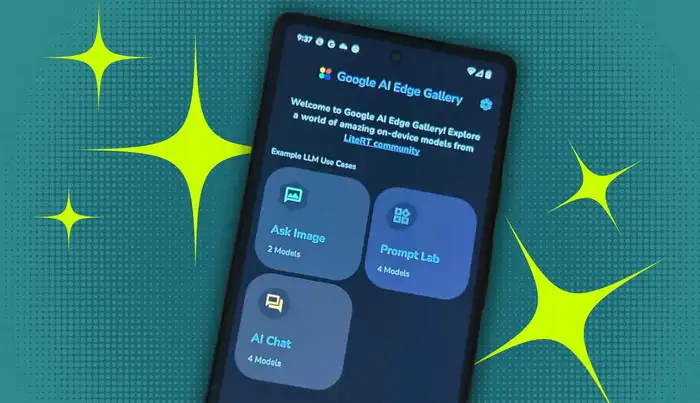
- For this app to work well in your phone, use a phone with at least 6 GB or 8 GB RAM. Its performance may slow down in phones with less RAM.
- This app downloads AI to your phone, so it can use 2 to 4 GB of storage.
- This AI model is not linked to the internet, so will not be able to give you the latest news or live updates.
- Due to running AI locally on the phone, the phone may become slightly warm.

About the authorgrand bhardwajBhavya Bhardwaj is an experienced journalist from the world of tech and gadgets and is currently associated with Times.com as a Digital Content Producer. Active in the field of journalism for the last 11 years, Bhavya has closely observed and covered the changing landscape of technology, gadgets and consumer electronics. While working in reputed organizations like Zee News (DNA), India News, UC News, Oppo India and ByteDance (TikTok), he has brought technology to common users in Hindi language. He has improved his understanding of technical intricacies and users by working for global tech companies like Google and WhatsApp (Meta). As a tech journalist, Bhavya specializes in reviews of new gadgets, launch events and changes happening in the world of AI. Bhavya believes in reading and understanding about AI and using it to deliver useful things to people. Also, he not only keeps a keen eye on the latest smartphones, but he also examines audio devices and wearables in depth. Bhavya’s skill is to convey complex technical information to the readers in simple and colloquial language, so that even common readers can easily understand the new technology. Bhavya also has expertise in conveying useful tips and tricks to people in simple language using different technologies. Bhavya Bhardwaj graduated in Mass Media and Creative Writing from Jamia Millia Islamia University. He holds a Master of Journalism and Mass Communication (MJMC) degree from Guru Jambheshwar University, Hisar. His educational background gives him the strength to present technical news in a factual and creative manner. He doesn’t judge technology just on the basis of specifications, but looks at it from the perspective of what kind of experience a user will get with it. He believes that the real purpose of technology is to make life simpler and this thinking is also reflected in the way he describes technology.… read more